Click on the SQL Database link in the Advanced Menu area.
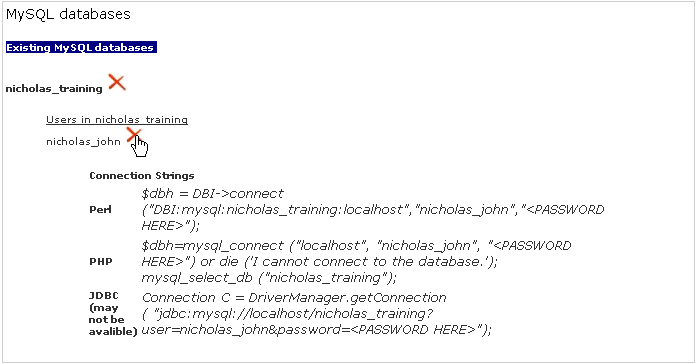
Click on the  button next to the specific user underneath the name of the database in the Databases area.
A user will no longer be able to access a particular database when you have removed their permissions to that database.
To remove a user's permissions:
Click on the SQL Database link in the Advanced Menu area.
Click on the button next to the specific user underneath the name of the database in the Databases area.