Click on the Backup link in the Access Menu area.
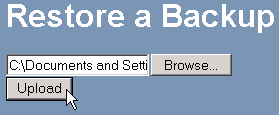
Click on the  button underneath the Restore a Backup heading.
Double-click on the required backup file on your computer.
Click on the  button. Please wait while your site is restored.
In the unlikely event that your web site is deleted from your web host's servers, you can restore the web site using your most recent backup file.
To restore your web site from a backup file:
Click on the Backup link in the Access Menu area.
Click on the button underneath the Restore a Backup heading.
Double-click on the required backup file on your computer.
Click on the button. Please wait while your site is restored.